How to Check a Used Phone Before You Buy
The right used phone is a working device with a clear history and a usable return path. This checklist separates a sensible saving from a cheap phone that becomes expensive after purchase.

Start With the Job the Phone Must Do
Do not begin with the advertised percentage off. Begin with the tasks that must work: calls, messaging, maps, banking, work authentication, photography, accessibility tools, and storage. A phone can look modern while being too old to receive security updates or too constrained for the apps that matter to you.
Check the manufacturer's software-support information before you compare prices. Then compare the device's storage, memory, camera, charging port, and processor with your actual use. A lower capacity model may cost less but create a recurring storage problem. A device that still receives updates can be more valuable than a newer-looking model at a similar price.
Check the Seller's Promise
A private seller, marketplace trader, repair shop, carrier, and manufacturer refurbishment programme do not offer the same protection. Read the listing for the exact model number, storage size, cosmetic grade, battery condition, included accessories, warranty length, and return deadline.
The phrase "refurbished" is not a standard technical guarantee by itself. Ask what was tested, what was replaced, and whether replacement parts are original, authorised, or compatible aftermarket parts. A clear answer is valuable. A vague answer is a reason to step back.
Verify Identity, Locks, and Compatibility
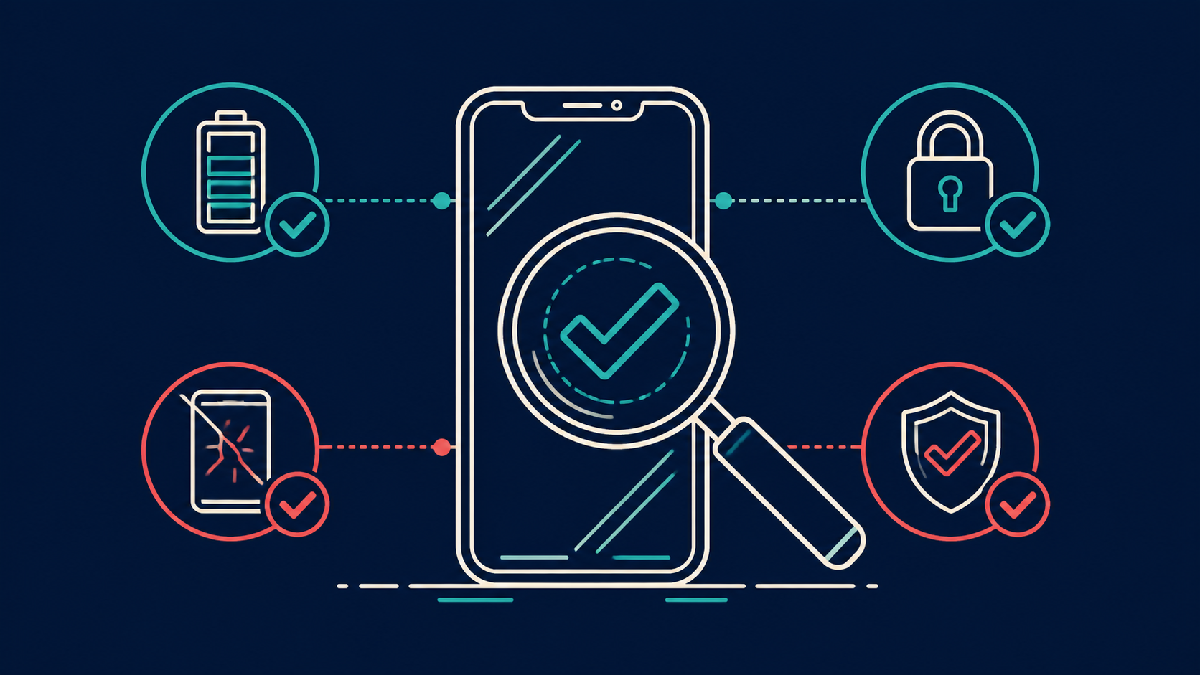
Before payment, verify the device identity using the serial number or IMEI where lawful and appropriate. Check that the phone is not activation-locked, reported lost, or tied to an unpaid financing arrangement. Account locks are especially important because a reset phone can still be unusable when it asks for the prior owner's credentials.
Confirm it is unlocked for your carrier if that is a requirement. Network bands, eSIM support, and carrier certification differ by country and network. A phone that works well in one market may have limited coverage in another. If you are buying across borders, confirm local charging and warranty arrangements too.
Test the Hardware During the Return Window
Run a deliberate test as soon as the device arrives. Check the display for dead pixels, uneven brightness, burn-in, touch accuracy, and cracks around the edge. Test cameras, microphones, speakers, vibration, buttons, biometrics, Wi-Fi, Bluetooth, GPS, mobile signal, charging, and wired accessories.
Battery health deserves special attention. A phone may turn on and still have a battery that drains quickly or shuts down under load. Compare the seller's stated condition with the device settings or diagnostic report, while recognising that different manufacturers display battery information differently. Keep a record of defects and contact the seller inside the written return period.
Compare the Whole Cost
Compare the refurbished price with the price of a new equivalent, not only with the launch price of the same model. Add likely costs for a charger, case, screen protector, delivery, insurance, battery replacement, and repair. A small saving may not justify a much shorter warranty; a large saving may be worthwhile if the seller has clear testing and return rules.
The relevant question is not whether used is always better. It is whether this particular device delivers enough useful life for its all-in cost and remaining risk. That approach protects both a budget and the buyer's time.
Final Takeaway
Used-phone buying rewards verification. Choose a supported model, understand the seller's promise, confirm it is unlocked and usable, test it immediately, and compare the full cost. If any critical detail is unclear, another listing is usually cheaper than an avoidable problem.